
Movement Control Basics for Cleaner Runs
Build steady movement habits, understand momentum, and make precise turns without wasting shields.
Read article →Collect every cell, activate the checkpoint, and reach the exit.
Guide the tiny flyer through progressive circuits, collect every energy cell, activate the checkpoint, and avoid the red electric rails.
Take control of a tiny flyer, master checkpoint routes, collect energy cells, and survive twenty increasingly complex tower circuits. The complete experience runs directly in your browser with responsive desktop and touch controls.
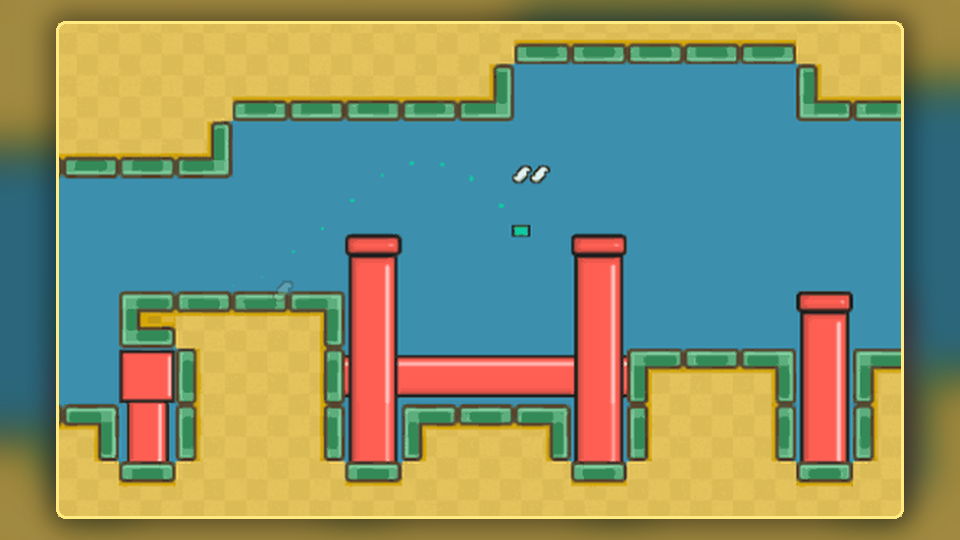
The interface keeps essential information visible while each stage adds new route and timing decisions.
Faster acceleration and a dedicated boost create energetic movement without removing the need for precision.
Routes grow longer, objective placement becomes more demanding, and timed hazards appear more often.
Collect every cell before completing the checkpoint and exit sequence.
Read laser cycles, wait in safe pockets, and cross with controlled momentum.
Phone and tablet players receive an on-screen directional pad, boost control, and fullscreen mode.
Your best full-run completion time is stored in the browser when local storage is available.
Use the same clear objective order while adapting your route to each new layout.
Use arrow keys, WASD, or touch controls to navigate the blue route.
Pick up every yellow energy cell shown by the HUD counter.
Reach the checkpoint once the route and nearby hazards are under control.
Enter the open exit and continue to the next increasingly difficult level.
All images are included as local PNG or JPG files and remain visible after deployment.
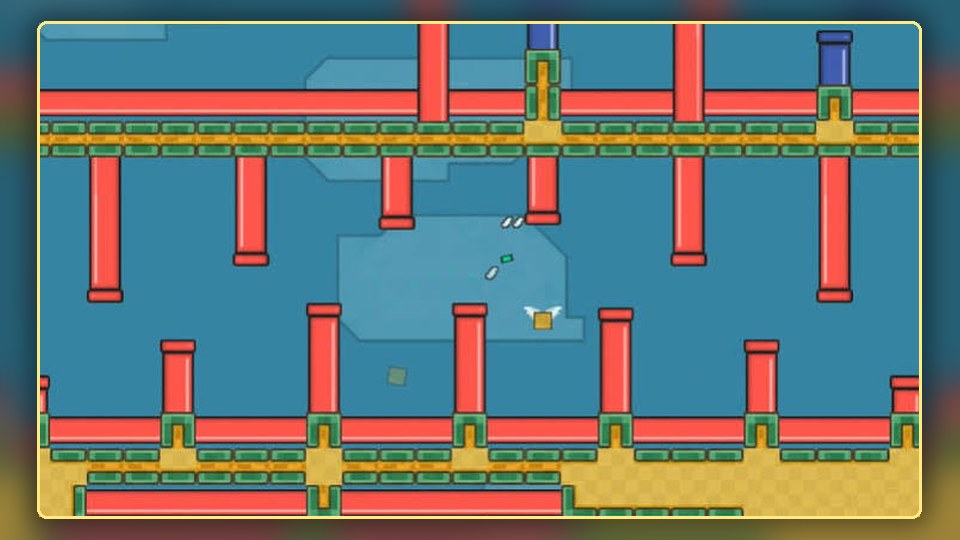
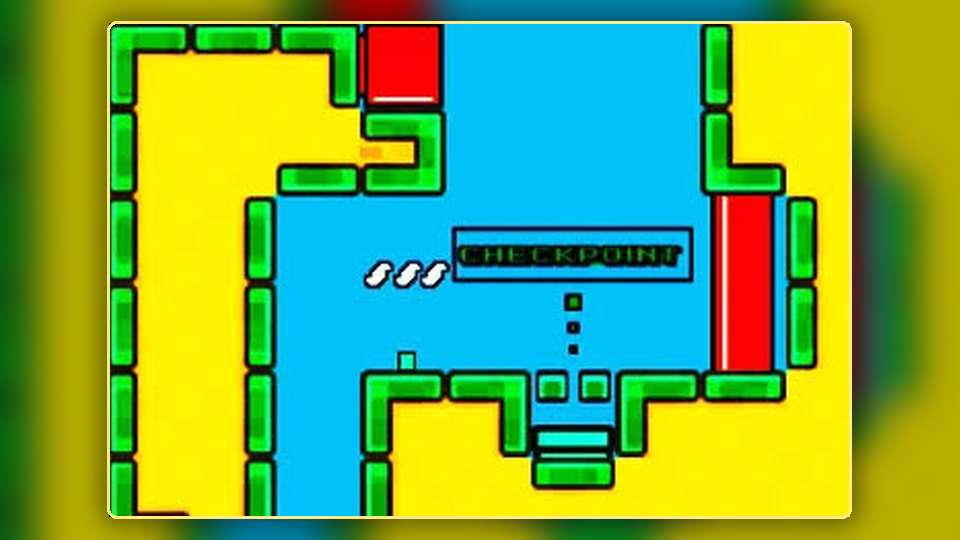
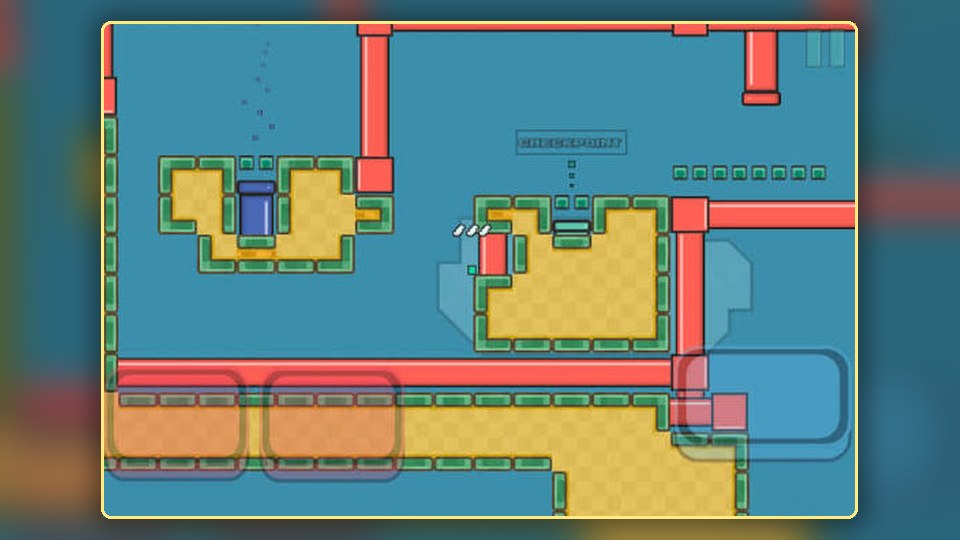
Every group introduces more route planning, speed control, and hazard timing.
Movement basics, open corridors, simple pickups, and clear checkpoint lines.
Longer branches, more route decisions, and tighter hazard placement.
More timed lasers, denser circuits, and less room for late corrections.
Full challenge with complex routes, fast decisions, and demanding final approaches.
Improve movement, route planning, hazard timing, touch controls, and final-level consistency.
Build steady movement habits, understand momentum, and make precise turns without wasting shields.
Read article →Plan energy collection and checkpoint activation in an efficient order before moving toward the exit.
Read article →Understand laser timing, safe waiting positions, and consistent crossing techniques for later levels.
Read article →Collect every required cell with fewer detours by using loops, branches, and safe return paths.
Read article →Choose where to move quickly and where to slow down so difficult levels remain controlled.
Read article →See how route length, hazard density, timing pressure, and decision-making develop through the full set.
Read article →
Use the on-screen directional pad and boost control comfortably on phones and tablets.
Read article →
Recognize the habits that waste shields and time, then replace them with simple corrections.
Read article →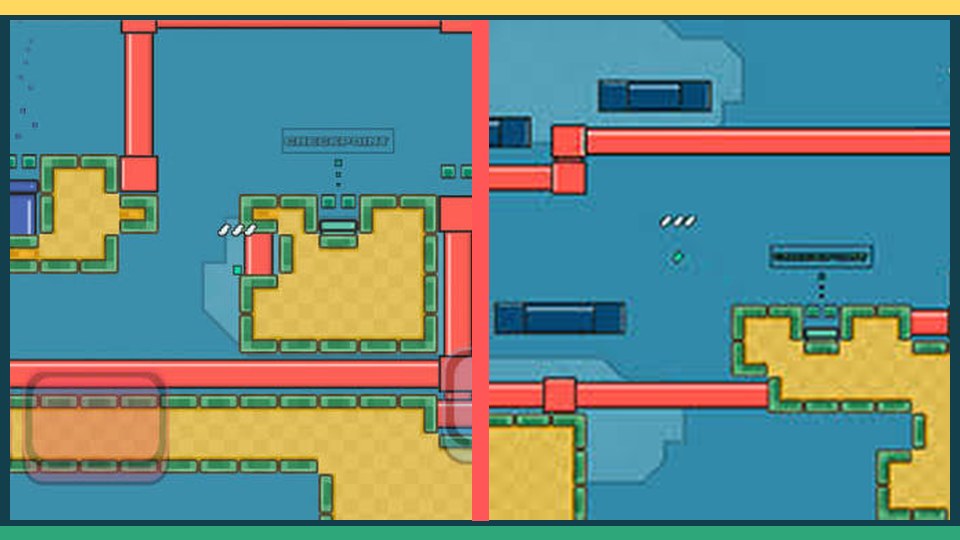
Combine route memory, controlled speed, hazard timing, and recovery planning for the hardest stages.
Read article →There are 20 progressively harder levels. Early stages focus on movement while later stages combine longer routes, more pickups, tighter passages, and timed hazards.
Use the arrow keys or WASD to move. Hold either Shift key or Space for boost. Touch devices receive an on-screen directional pad and boost button.
The browser stores your best full-run completion time locally when storage is available. Clearing browser data or switching devices resets that record.
Collect every energy cell, activate the checkpoint, and enter the open exit while avoiding red hazard areas and active laser beams.
Yes. The layout is responsive and includes touch controls. Landscape orientation and fullscreen mode provide the clearest view on smaller screens.
Boost increases movement speed while held. It is best used in long open corridors and should be released before tight turns or hazard crossings.
A collision removes a shield and returns the character to the latest safe spawn position. The level restarts when all shields are used.
Yes. Use the speaker button in the game HUD to toggle sound effects.
Use the pause button, press P, or press Escape. The current level remains ready to continue.
The exit opens only after all required energy cells have been collected and the checkpoint has been activated.
No. Every displayed JPG and PNG is stored inside the website package, so the images remain available after normal cPanel upload.
No. It is a static HTML, CSS, and JavaScript website and can run directly from public_html without a database.
Yes. The root sitemap.xml file opens directly and includes the homepage, blog index, nine articles, and legal pages.
Yes. Relative navigation and asset paths support both domain-root and subfolder installations. Update the sitemap hostname before indexing a new public domain.
Practice smooth inputs, plan pickup order before moving, observe one complete laser cycle, and use boost only where you can see the next turn.
Return to the play area and begin a fresh twenty-level run.